
 简体中文
 English

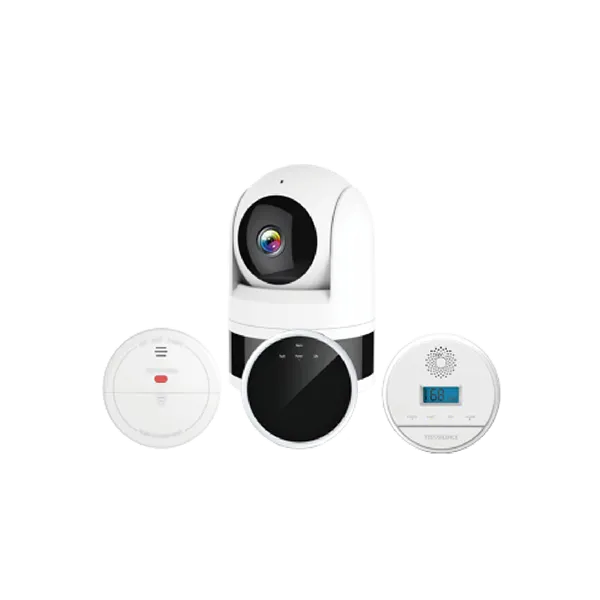
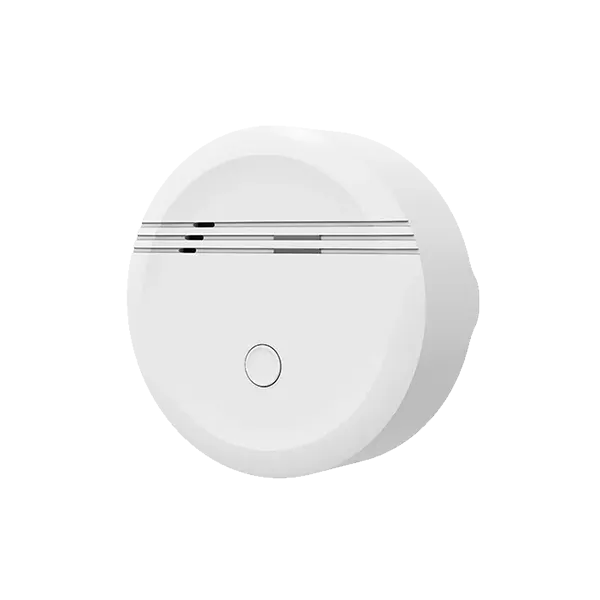
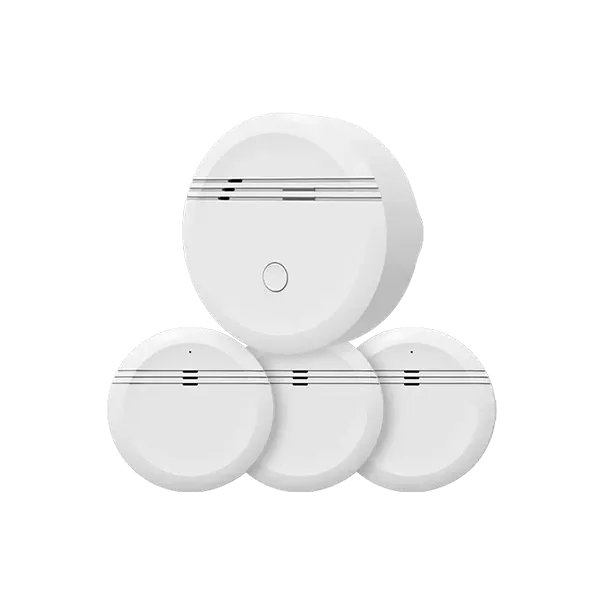
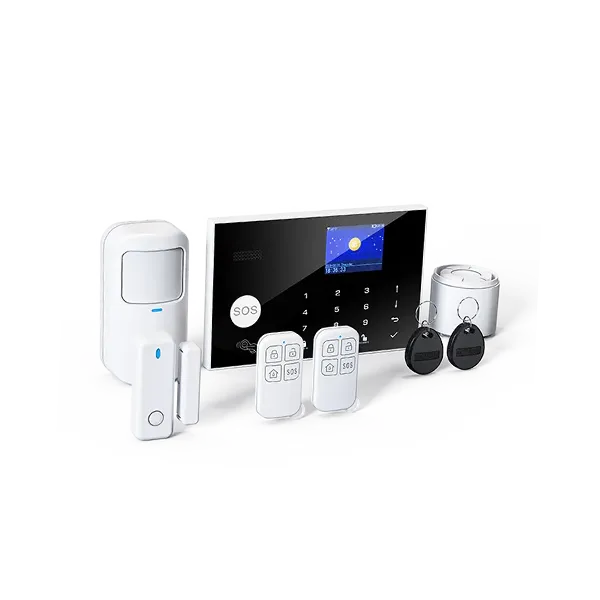
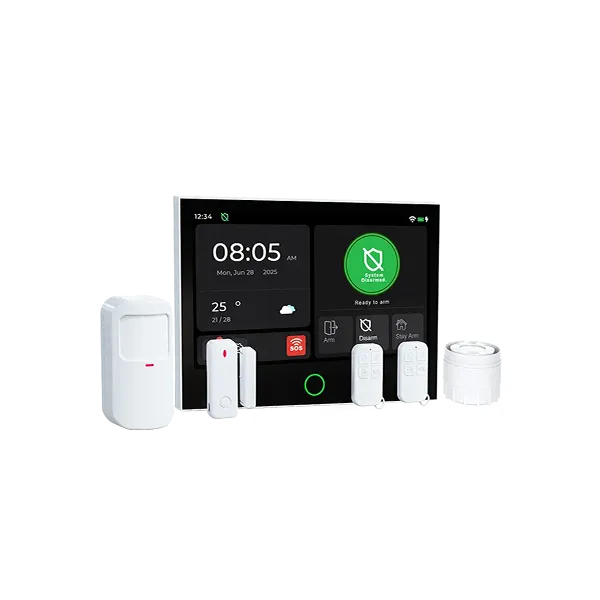
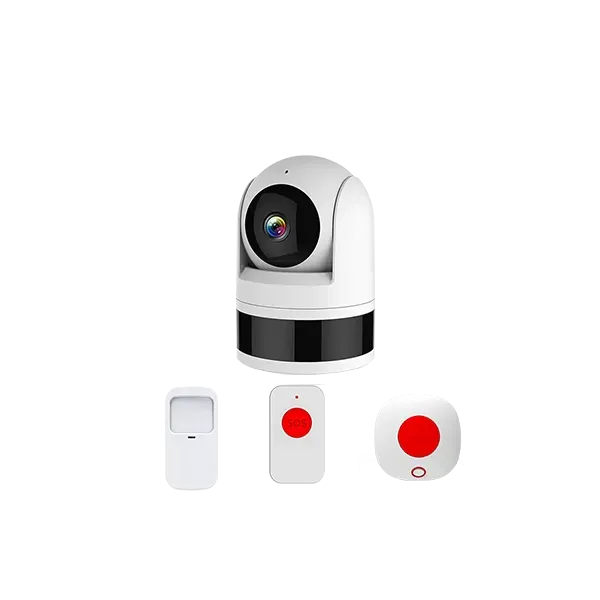
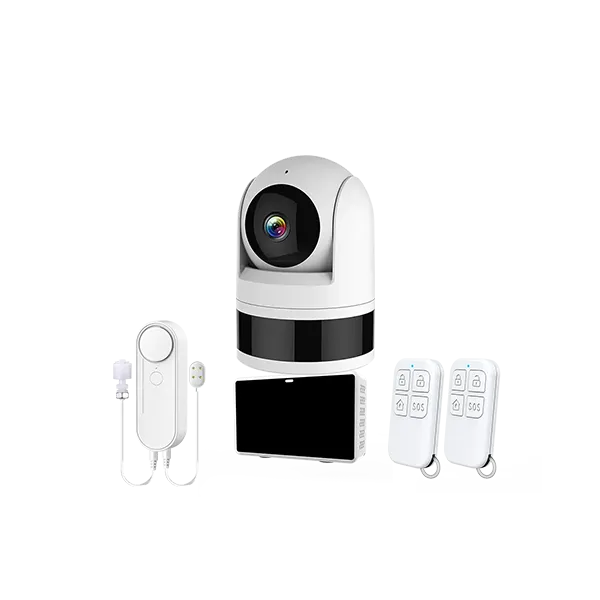
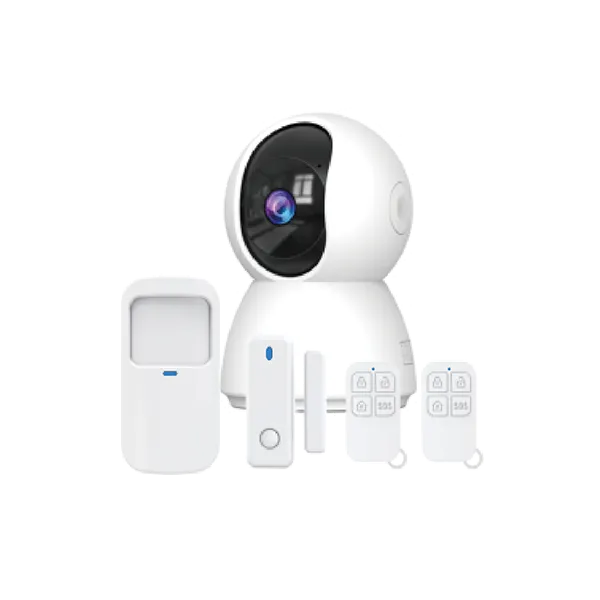
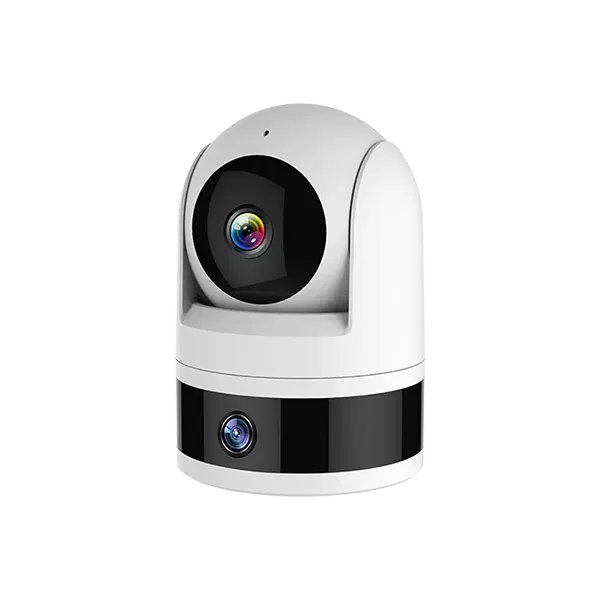

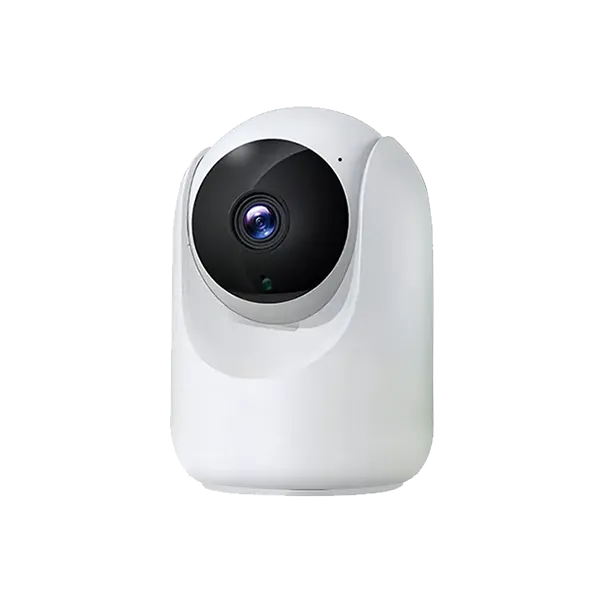
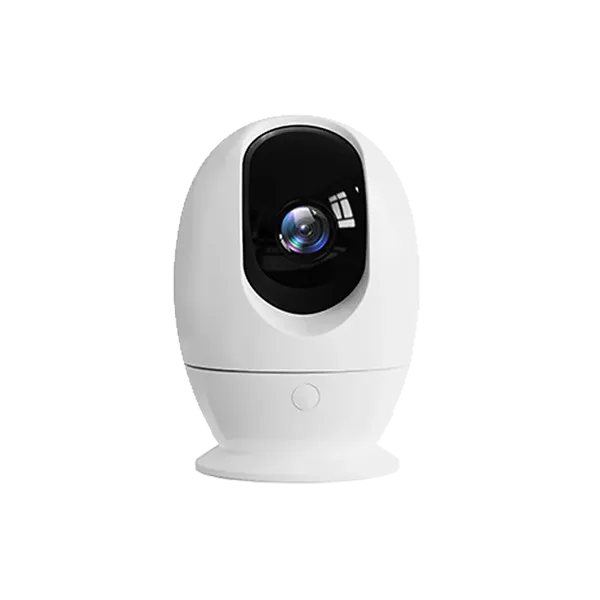
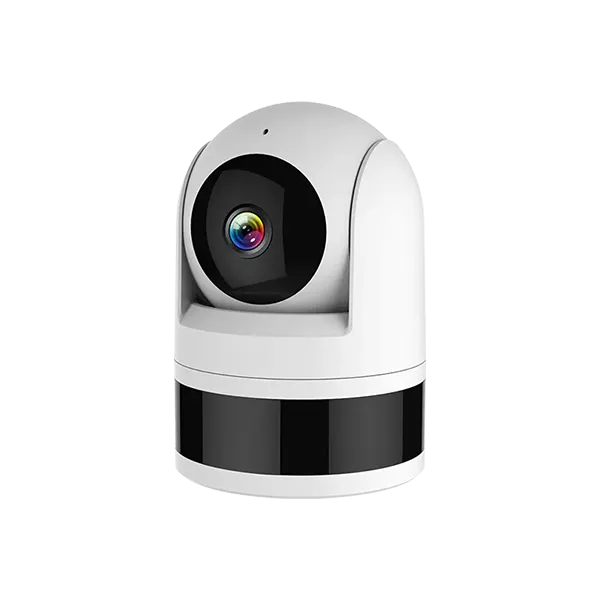
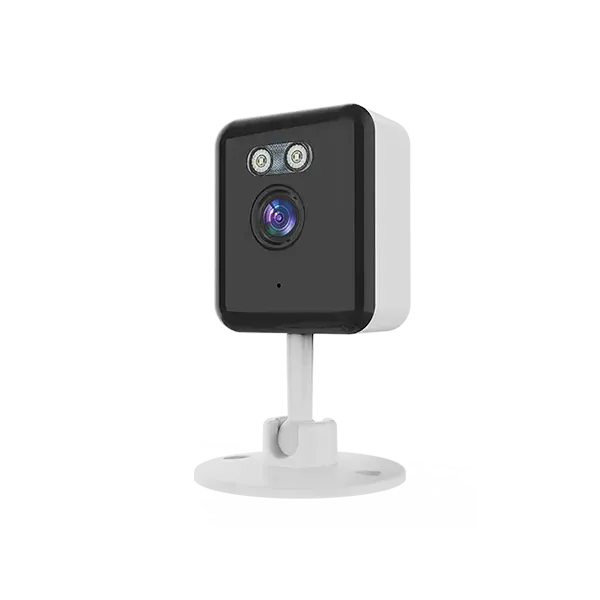
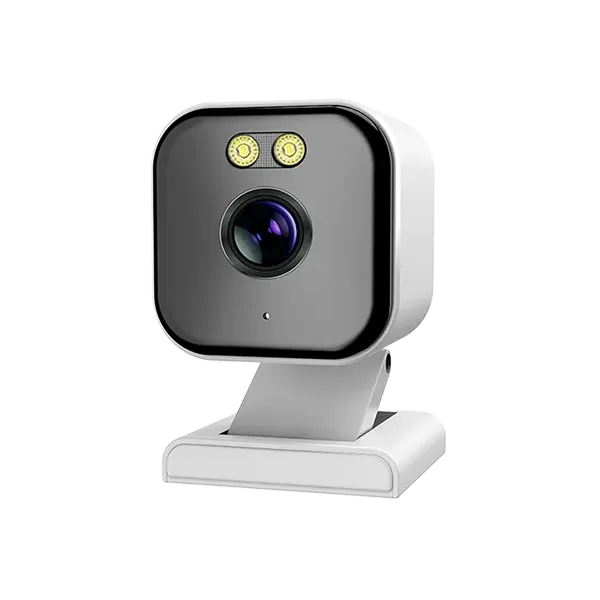
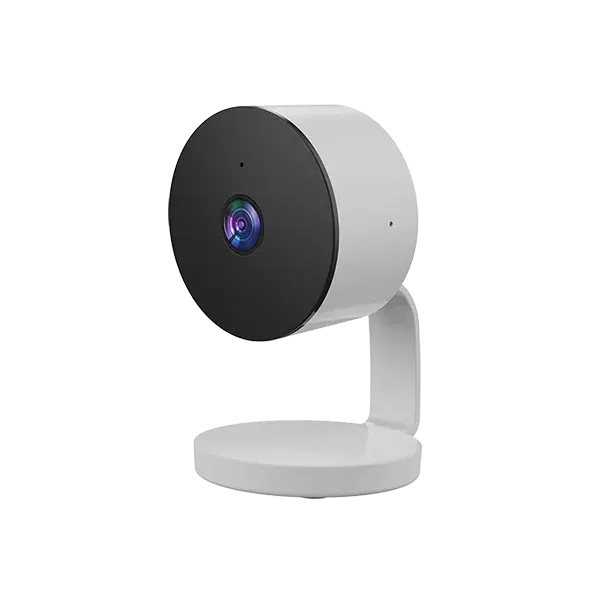
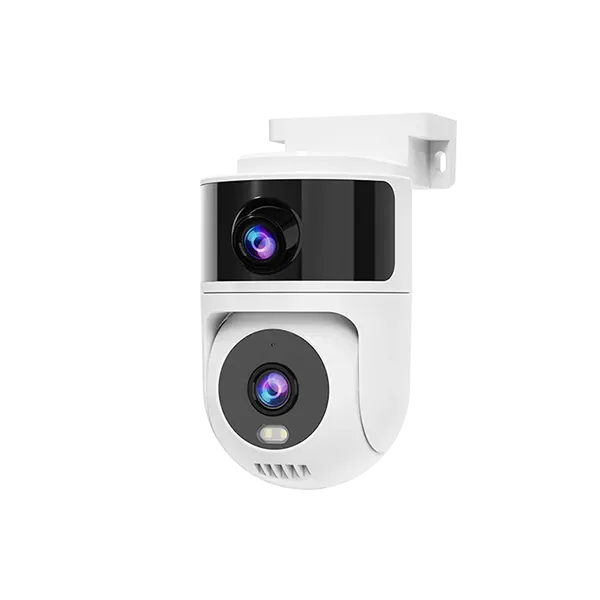
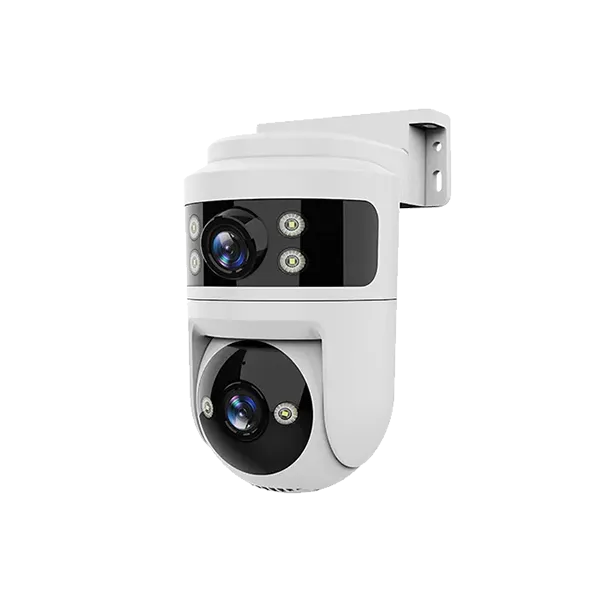
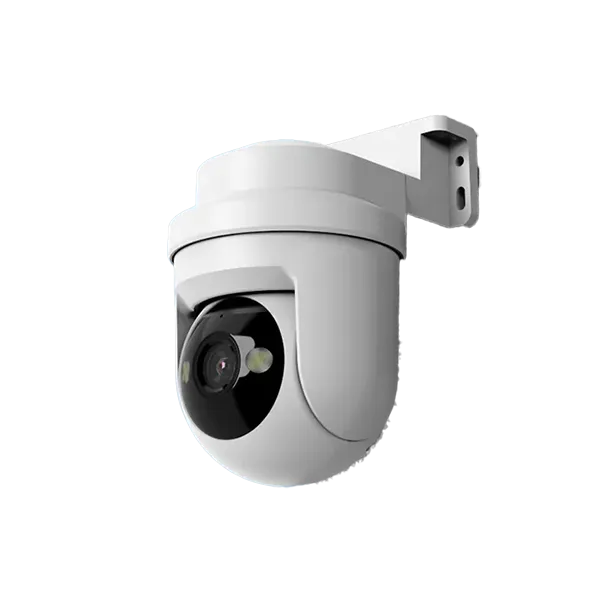
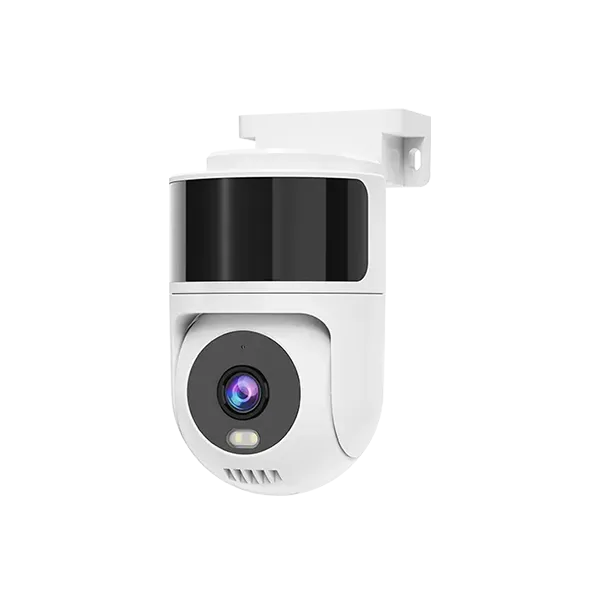
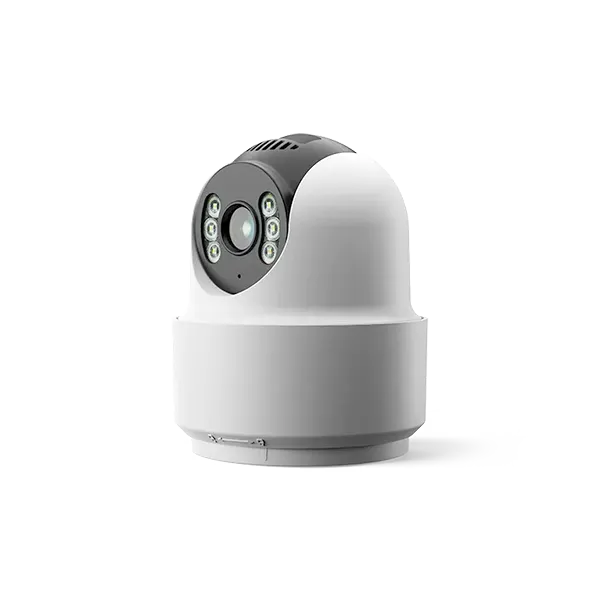
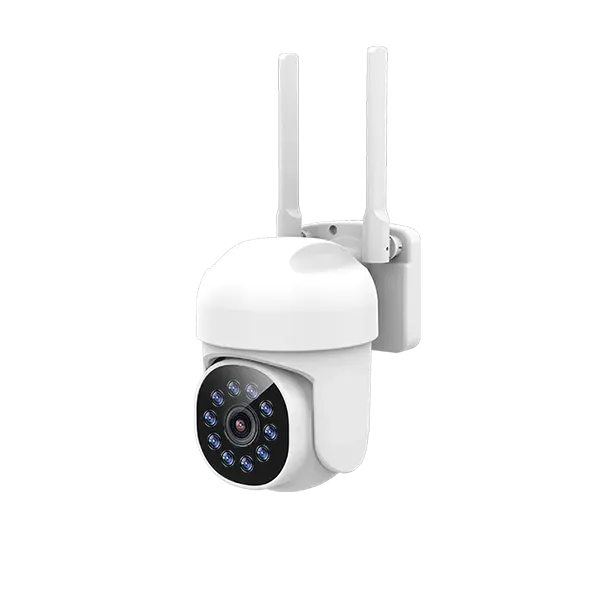
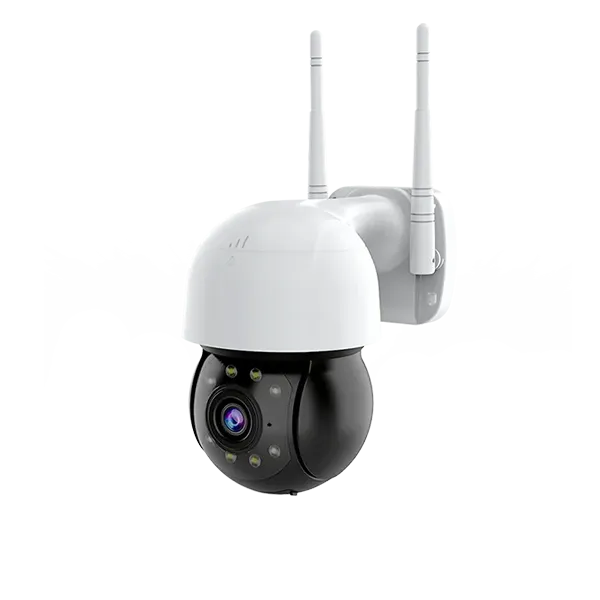
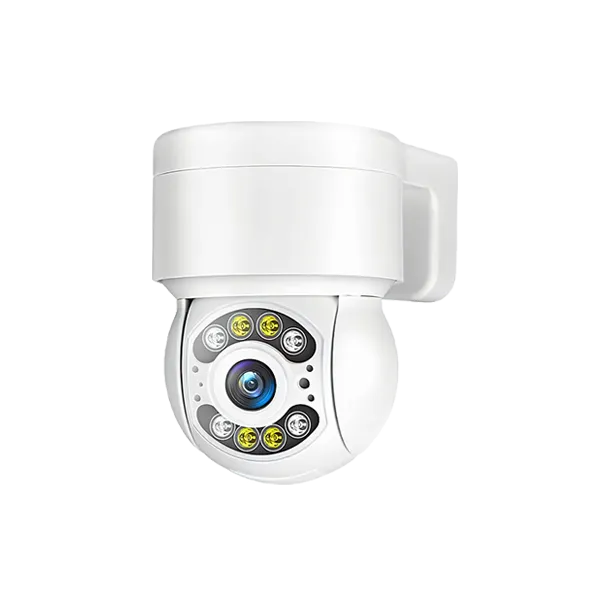
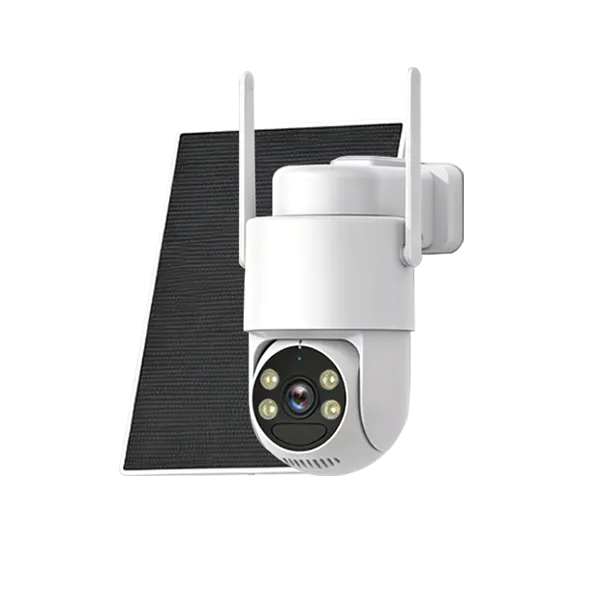
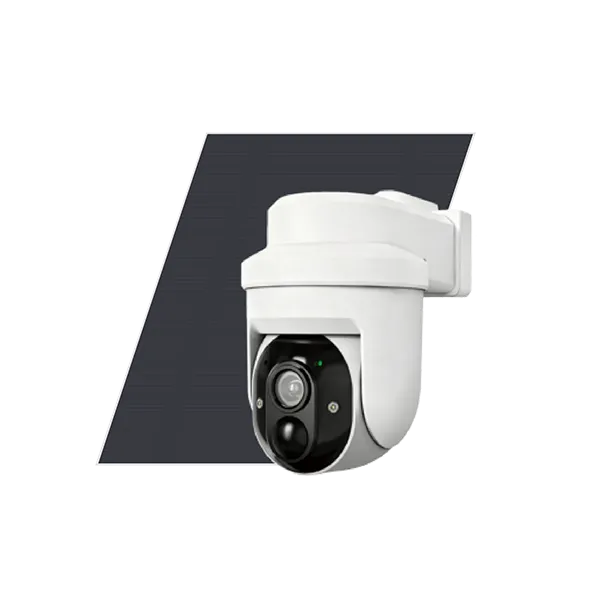
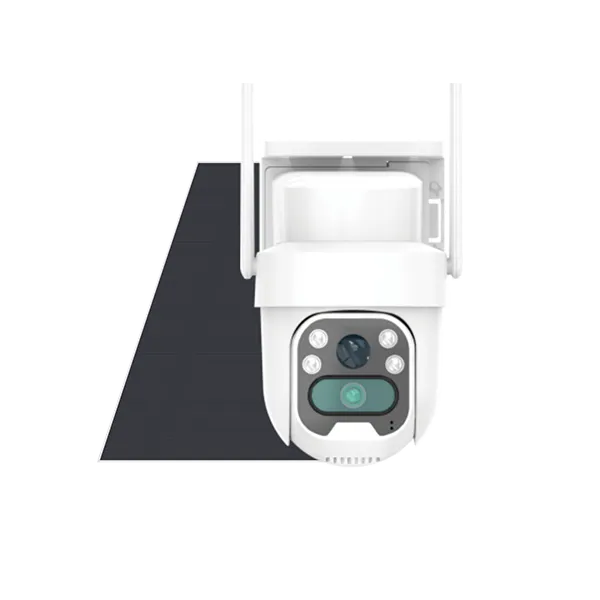
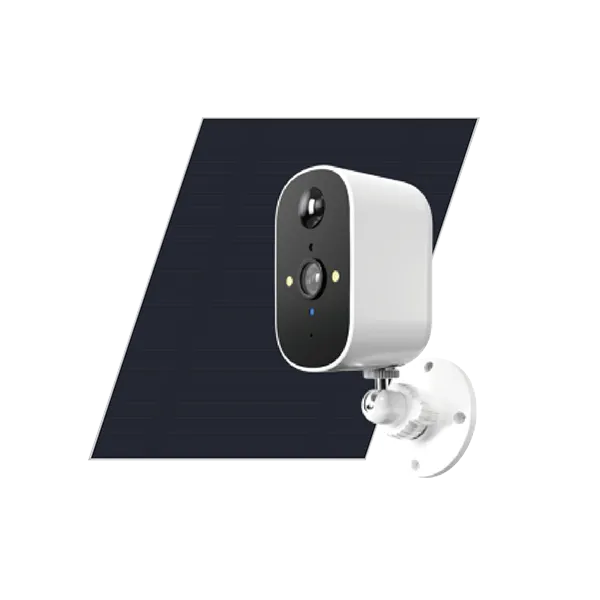
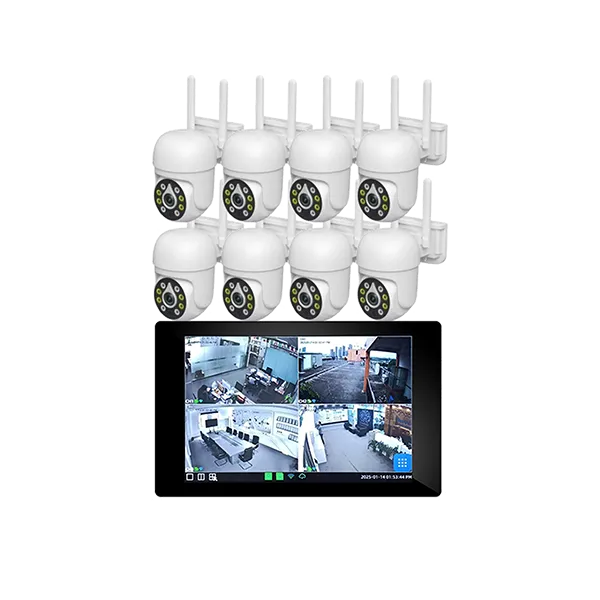
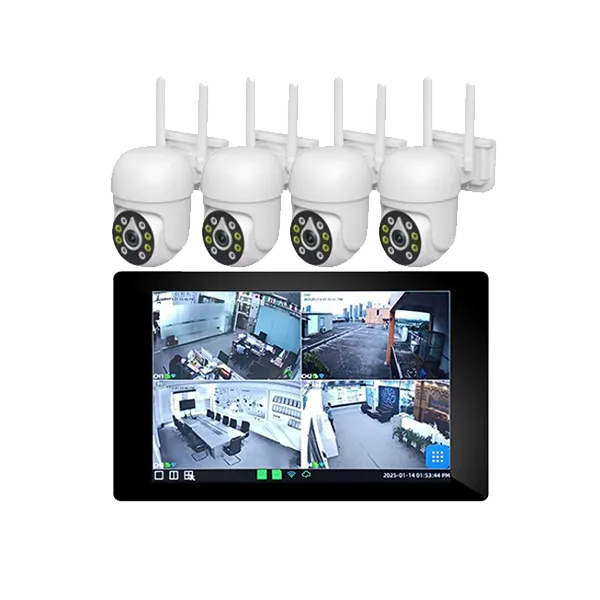
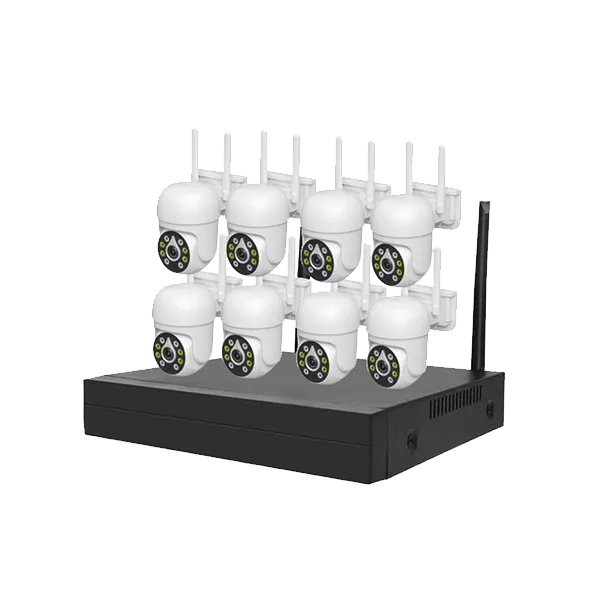
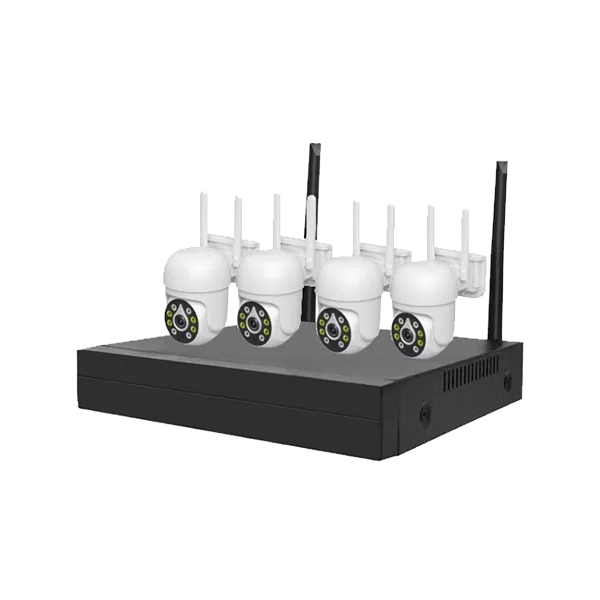
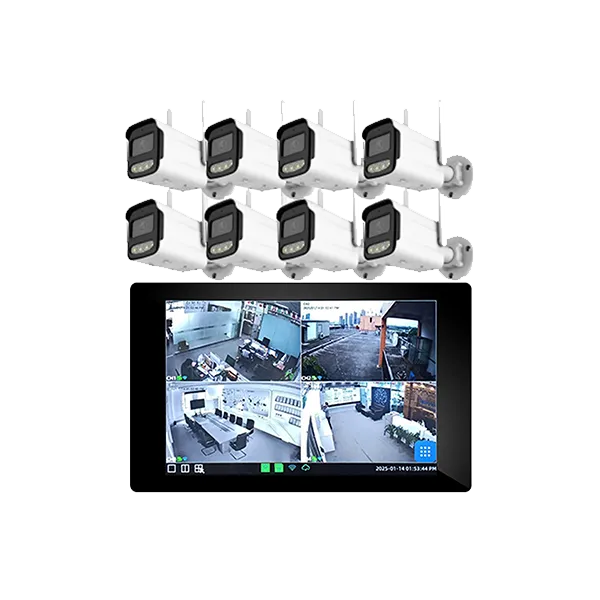
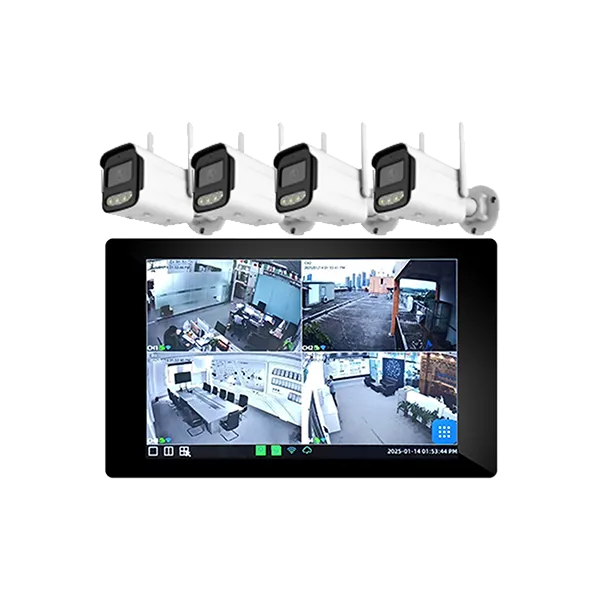
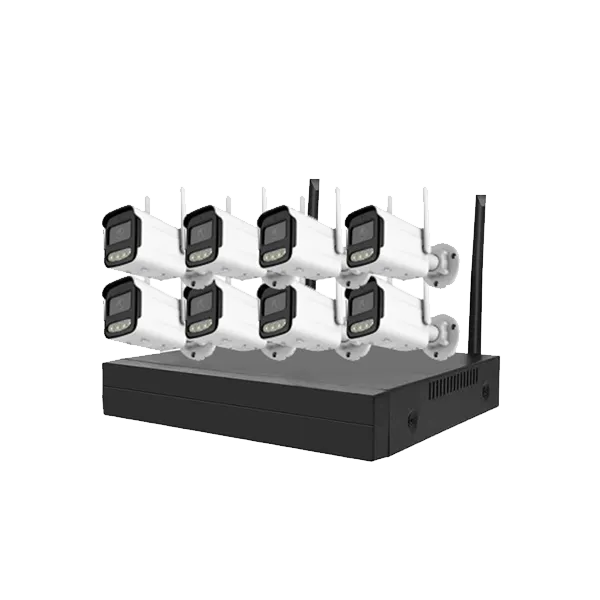
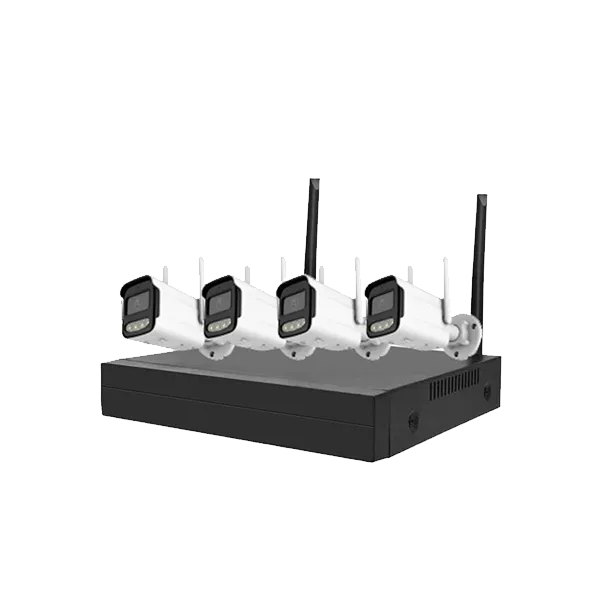
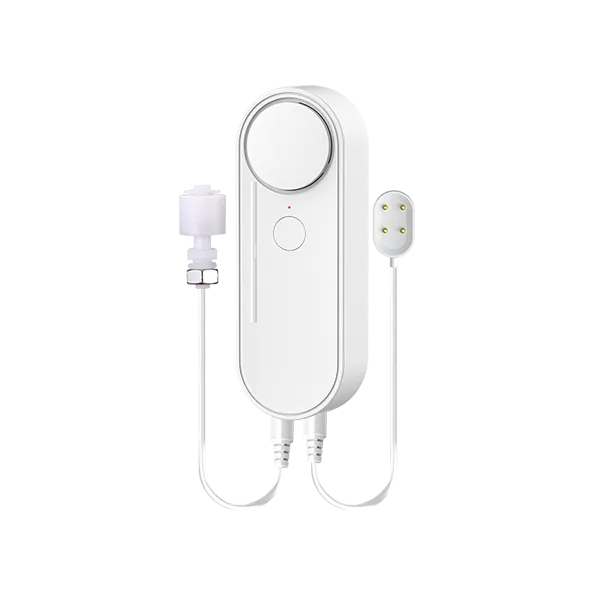















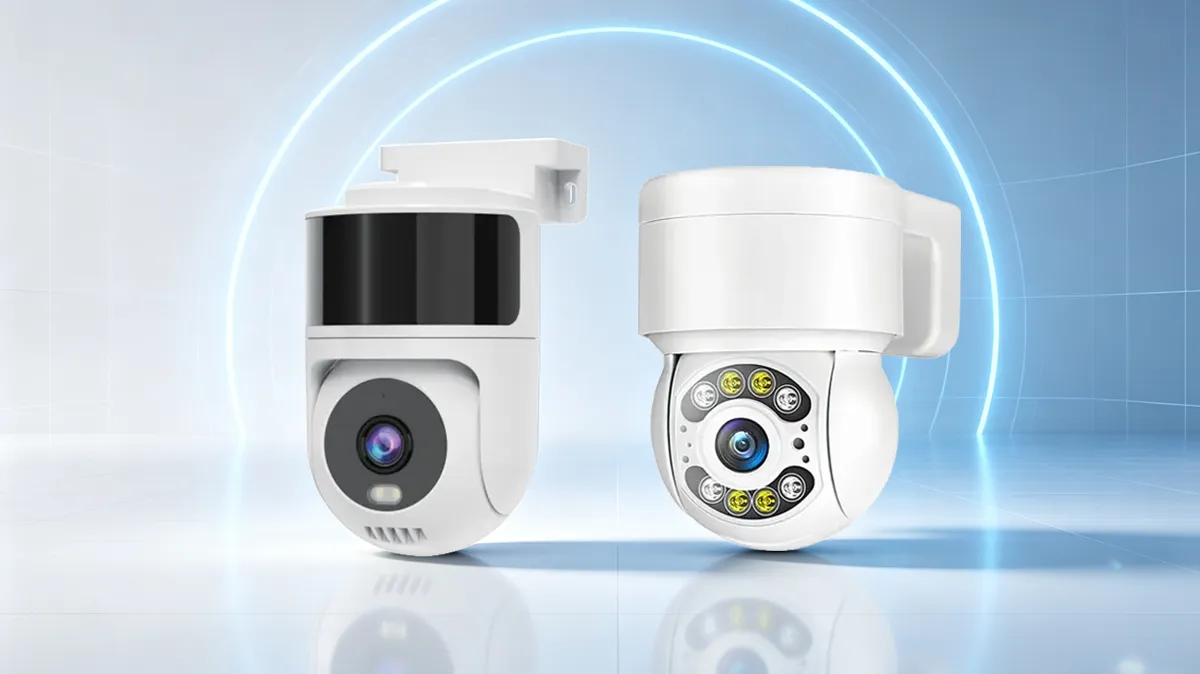
Network cameras have become an essential part of modern security systems for homes, businesses, factories, warehouses, offices, and outdoor environments. With advanced imaging technology, remote monitoring, intelligent detection, and flexible connectivity, network security cameras provide a reliable way to monitor properties and protect valuable assets.
Whether you are looking for a wireless network camera, a 4G network camera, a PoE IP camera, or a PTZ network camera, understanding their features will help you choose the right surveillance solution.
In this guide, we will explore different types of network cameras, their key technologies, storage options, and practical applications.
1. What Is a Network Camera?
A network camera is a digital surveillance device that connects to a computer network through WiFi, Ethernet, or a cellular network. It captures video and transmits the footage over the network, allowing users to monitor live video remotely through smartphones, computers, or other compatible devices.
Unlike traditional analog cameras, a network camera processes digital video and can support advanced features such as:
Remote live viewing and playback.
Motion detection and smart alerts.
Cloud storage and local SD card recording.
Infrared and full-color night vision.
Two-way audio communication.
Pan, tilt, and zoom control.
AI-powered human and vehicle detection.


Network cameras are widely used in residential security, commercial surveillance, industrial monitoring, and smart home applications.
2. Different Types of Network Security Cameras
Different environments require different surveillance solutions. Here are some common types of network security cameras.
2.1 Wireless Network Camera
A wireless network camera connects to a network through WiFi, reducing the need for Ethernet cabling.
A wireless network camera is suitable for homes, apartments, small offices, retail stores, and other locations where convenient installation is important.
Key advantages:
Easy installation and flexible positioning.
Remote monitoring through mobile applications.
Reduced network cabling requirements.
Support for motion detection and mobile notifications.
Suitable for indoor and outdoor surveillance, depending on the IP rating.
When choosing a wireless network camera, check its WiFi frequency compatibility, signal coverage, power supply, and mobile application support.
2.2 WiFi Network Camera
A network camera WiFi solution uses a wireless router to transmit video data to the local network or the internet.
WiFi network cameras are popular because they offer convenient remote access without requiring a dedicated network cable for data transmission.
 |  |
Common applications include:
Home security monitoring.
Baby and pet monitoring.
Shop and office surveillance.
Driveway and garden monitoring.
Remote property management.
Some advanced WiFi cameras also support AI human detection, automatic tracking, two-way audio, and smart home integration.
2.3 4G Network Camera
A 4G network camera uses a SIM card and cellular connectivity to transmit video without relying on a traditional WiFi router.
This makes it an excellent choice for remote locations where broadband internet is unavailable.
Typical applications include:
Farms and agricultural land.
Construction sites.
Remote warehouses.
Parking lots and outdoor facilities.
Temporary security installations.
Some 4G network cameras also feature rechargeable batteries and solar panels, making them suitable for locations without convenient access to electricity.
Before purchasing, check supported cellular bands, SIM card compatibility, data consumption, and network coverage.
2.4 PoE Network Camera
A PoE (Power over Ethernet) network camera receives both power and network data through a single Ethernet cable.
PoE technology simplifies installation and is particularly suitable for professional surveillance systems.
Main benefits:
One cable for power and data.
Stable wired network connectivity.
Suitable for multi-camera installations.
Easy integration with compatible PoE switches and NVR systems.
Ideal for commercial and industrial security projects.
PoE network cameras are commonly installed in offices, factories, supermarkets, schools, and warehouses.
2.5 PTZ Network Camera
A PTZ network camera supports remote Pan, Tilt, and Zoom control, allowing users to monitor a wider area with flexible camera movement.
Depending on the model, users can control the camera through a mobile application or network video management system.
Key features may include:
Horizontal and vertical rotation.
Optical or digital zoom.
Preset monitoring positions.
Automatic patrol.
Motion tracking.
Infrared or full-color night vision.
PTZ network cameras are particularly useful for large outdoor areas, parking facilities, industrial sites, and commercial properties.
3. Important Features of a Network Camera
When selecting network security cameras, image quality, storage, connectivity, and intelligent functions are important factors.
3.1 CMOS Sensor Technology
A CMOS sensor network camera uses a Complementary Metal-Oxide-Semiconductor image sensor to capture light and convert it into digital image signals.
The CMOS sensor directly affects image quality, low-light performance, and overall imaging capabilities.
Important specifications include:
Sensor size.
Resolution.
Pixel size.
Low-light sensitivity.
Image processing performance.
Common network camera resolutions include 2MP, 4MP, 5MP, and 8MP (4K).
A higher resolution can provide more image detail, although actual performance also depends on the lens, sensor, lighting conditions, and image processing technology.
3.2 Network Camera with Memory Card
A network camera with memory card support allows users to save video recordings locally without depending entirely on cloud storage.
Many models support Micro SD cards for continuous recording or motion-triggered recording.
Advantages include:
Local video storage.
Convenient playback.
Reduced dependence on cloud subscriptions.
Recording during internet interruptions, depending on the camera model.
Flexible storage management.
3.3 Network Camera with SD Card Slot
A network camera with an SD card slot is especially useful for locations where an NVR system is unnecessary or difficult to install.
Before choosing a camera, check:
Maximum supported SD card capacity.
Supported card format.
Continuous or event-based recording.
Recording overwrite settings.
Playback compatibility.
For important security applications, users may also consider combining local SD card storage with cloud or NVR backup.
3.4 HD Night Vision
Night vision is an essential feature for outdoor and indoor security monitoring.
Common night vision technologies include:
Infrared Night Vision
Uses infrared LEDs to capture images in low-light or completely dark environments, usually producing black-and-white footage.
Full-Color Night Vision
Uses image sensors, visible-light illumination, or advanced image processing to capture color images in low-light environments.
Smart Dual-Light Technology
Automatically switches between infrared illumination and white light when a detection event occurs, depending on the camera model.
These technologies help improve nighttime monitoring and provide additional visual information.
 |  |
3.5 Smart AI Detection
Modern network security cameras may include intelligent video analysis functions to reduce unnecessary alerts.
Depending on the product, these features can include:
Human detection.
Vehicle detection.
Motion detection.
Automatic tracking.
Intrusion detection.
Sound detection.
Smart detection helps users identify important events more efficiently and manage security alerts through mobile applications.
4. What Is a Network Camera Viewer?
A network camera viewer is software or an application used to access and manage IP cameras.
Users can view live video, control compatible PTZ cameras, review recordings, and configure camera settings.
Common viewing methods include:
Mobile applications.
Desktop monitoring software.
Web-based camera interfaces.
Network Video Recorders (NVRs).
Video Management Systems (VMS).
Some older network cameras support browser-based interfaces, while newer models may require dedicated applications or updated browser-compatible software.
For security reasons, always use authorized access methods, update camera firmware, and change default passwords.
5. Network Camera Applications
Network cameras are used in many different industries and environments.
Home Security
Monitor entrances, gardens, garages, living areas, and driveways. Wireless cameras and WiFi PTZ cameras are popular options for residential security.
Commercial Buildings
Businesses can use network security cameras to monitor entrances, offices, retail spaces, and storage areas.
Warehouses and Factories
PoE network cameras and high-resolution PTZ cameras help monitor production areas, inventory, loading zones, and large facilities.
Farms and Remote Properties
4G network cameras provide surveillance in locations without traditional broadband connections.
Parking Lots and Outdoor Areas
Outdoor PTZ cameras with night vision and intelligent detection can help monitor vehicles, access points, and large open spaces.
6. How to Choose the Right Network Camera
Choosing the right network camera depends on your installation environment, network availability, monitoring requirements, and budget.
Consider these factors before making a purchase:
| Selection Factor | What to Consider |
|---|---|
| Resolution | 2MP, 4MP, 5MP, or 8MP |
| Connectivity | WiFi, Ethernet, PoE, or 4G |
| Storage | Micro SD card, NVR, or cloud |
| Night Vision | Infrared, full-color, or dual-light |
| Detection | Motion, human, vehicle, or sound detection |
| Camera Type | Fixed, dome, bullet, or PTZ |
| Weather Protection | IP65, IP66, or other suitable ratings |
| Remote Access | Mobile app, desktop software, or NVR |
For residential applications, a wireless network camera with SD card storage may be sufficient.
For commercial installations, PoE network cameras offer reliable wired connectivity.
For remote locations, a 4G network camera can provide flexible monitoring.
For large outdoor areas, a PTZ network camera offers more flexible coverage.
7. Network Camera vs. Traditional Analog Camera
Network cameras and traditional analog cameras have different technical characteristics.
| Feature | Network Camera | Traditional Analog Camera |
|---|---|---|
| Video Transmission | IP Network | Analog Signal |
| Connectivity | WiFi, Ethernet, 4G | Coaxial Cable |
| Remote Access | Network-Based | Usually Requires Additional Equipment |
| Image Processing | Digital | Depends on DVR and Camera Technology |
| Smart Detection | Often Supported | Depends on System |
| Installation | Network Configuration Required | DVR-Based Installation |
Network cameras are a popular choice for modern surveillance because they support flexible connectivity, digital video transmission, and advanced smart functions.
8. Frequently Asked Questions About Network Cameras
Q1: What is the difference between a WiFi camera and a network camera?
A WiFi camera is a type of network camera that uses wireless connectivity. However, network cameras can also use Ethernet, PoE, or cellular networks such as 4G.
Q2: Can a network camera work without WiFi?
Yes. Depending on the model, a network camera can use Ethernet, PoE, or 4G connectivity. Some cameras can also record locally to an SD card without an active internet connection, although remote viewing may not be available.
Q3: Does a network camera need an SD card?
No. An SD card is optional for many network cameras. Video can also be stored on an NVR, a compatible cloud service, or other supported storage systems.
Q4: What is the advantage of a PTZ network camera?
A PTZ network camera allows users to remotely pan, tilt, and zoom the camera, providing flexible monitoring of larger areas.
Q5: Is a 4MP network camera good for home security?
A 4MP network camera can provide detailed video for many residential applications. However, actual image quality also depends on the sensor, lens, lighting, and image processing.
Q6: What is the difference between PoE and WiFi network cameras?
PoE cameras use Ethernet cables for both power and data transmission, while WiFi cameras transmit data wirelessly. PoE is often preferred for stable professional installations, while WiFi is convenient for flexible residential setups.
9. Conclusion: Find the Right Network Camera for Your Security Needs
Network cameras offer flexible and intelligent surveillance solutions for residential, commercial, and industrial applications.
From wireless network cameras and 4G security cameras to PoE IP cameras and advanced PTZ network cameras, different models provide different advantages depending on the installation environment.
When selecting a security camera, consider image resolution, connectivity, storage, night vision, smart detection, and installation requirements.
Looking for reliable network camera solutions?
Explore our range of WiFi cameras, outdoor PTZ cameras, wireless security cameras, and smart home security products. We support OEM and ODM customization to help distributors, wholesalers, and security system integrators find suitable surveillance products for their markets.
Contact our team to discuss your security camera requirements and wholesale cooperation opportunities.




 +8617722656494
 market@smartrol-iot.com
 5th Floor, Tower A, Renheng Dream Center Office Area, Longcheng Street, Longgang District, Shenzhen city